An AI agent for your whole catalog
Describe the change. Lasso figures out the rest.
Not a form to fill out — an agent that resolves the scope, does the math, and stages every edit as a visual diff you approve. Built on three guarantees: preview before apply, snapshot undo after, and live Shopify data underneath.
Install on Shopify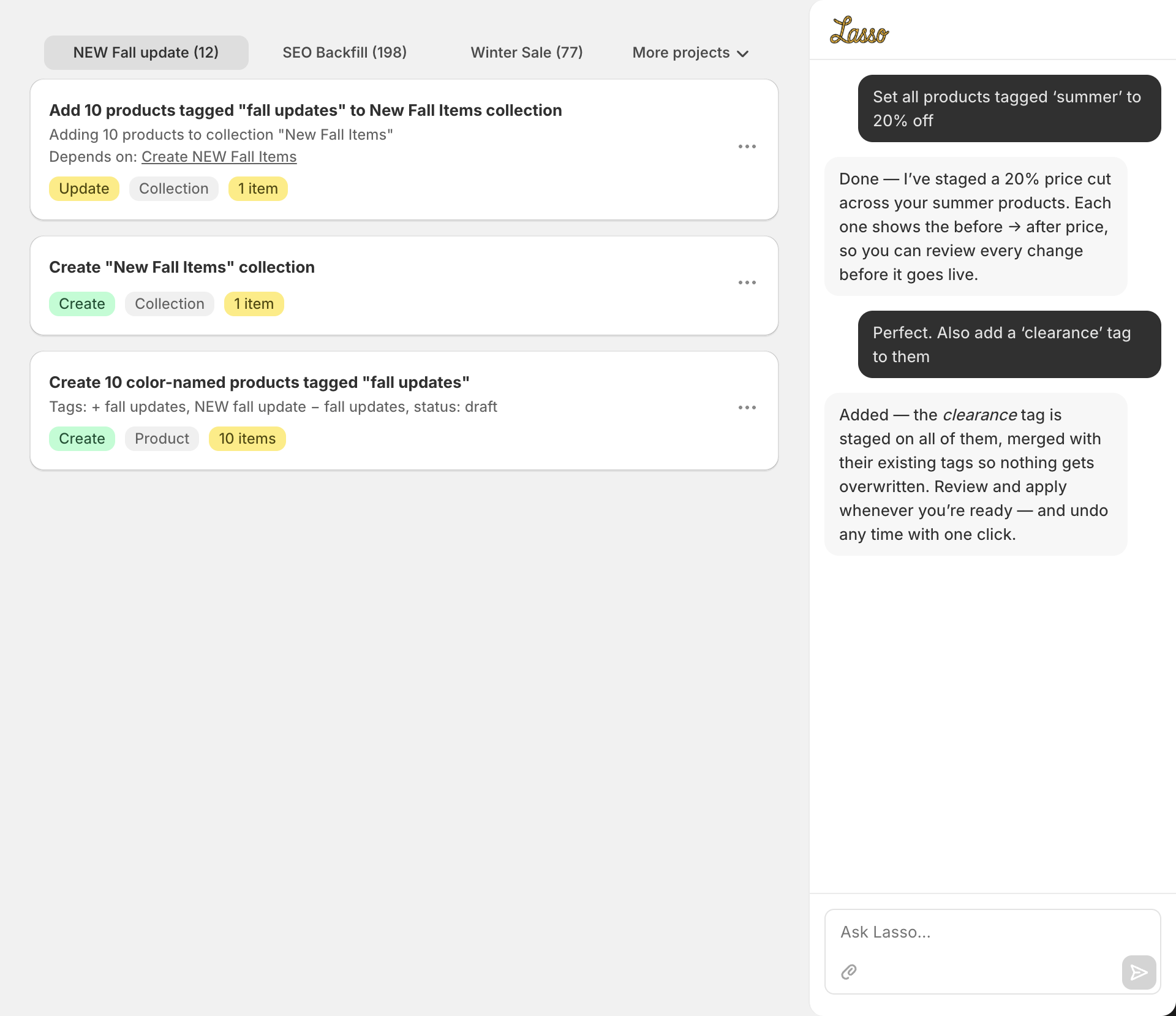
The three pillars
Lasso is built around three ideas that make bulk editing safe, fast, and reversible.
Chat your changes
Describe what you want in plain English. Lasso understands commands like "increase winter coat prices by 15%" or "tag every product under $10 as clearance."
Preview before you commit
Every change stages in a project where you review a row-by-row before/after diff. Edit or remove individual rows. Apply only when you are sure — nothing touches your store until you confirm.
Snapshot undo on every apply
Every apply captures a row-level snapshot before writing to Shopify. Click "Undo this apply" from the success modal — or any prior apply from History, even days later. Recreates deletions, restores previous field values, rolls back tag changes automatically.
What you can edit
Lasso covers the full range of Shopify resources. Every action is staged for review before it touches your live data.
| Resource | Create | Update | Bulk Edit | Import | Export |
|---|---|---|---|---|---|
| Products & Variants | |||||
| Customers | |||||
| Collections | |||||
| Metafields(On products + variants) | — | ||||
| Orders(Tags, notes & metafields; export with payment method) | — | — | |||
| Inventory(Relative or absolute, per location) | — |
Everything Lasso does
Grouped by what you came to do. Every feature is designed to save you time and protect your data.
Edit anything — just by describing it
One chat box reaches every corner of your catalog. Lasso resolves the scope, does the math, and stages the result for review.
Natural-language bulk edits
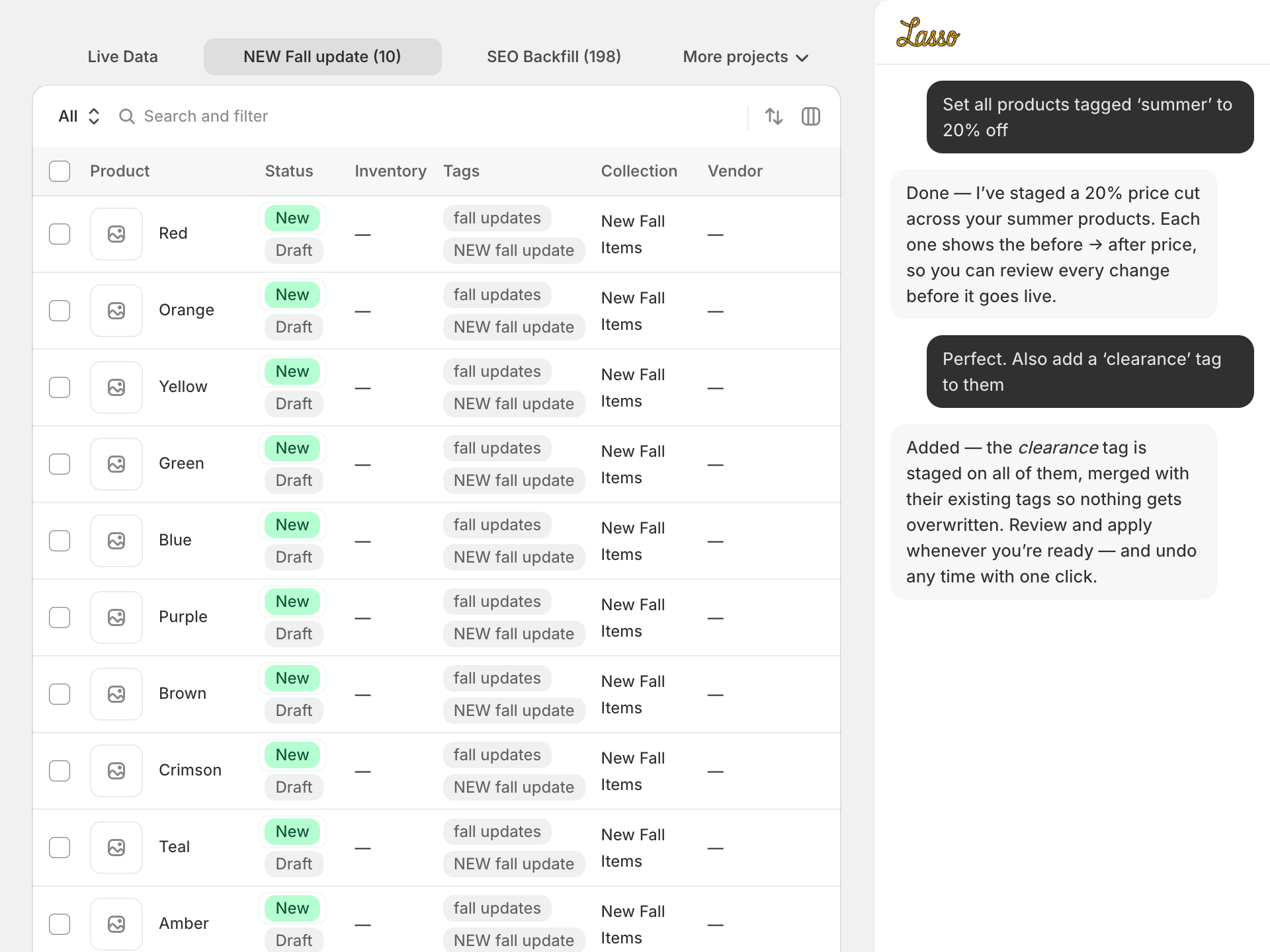
Edit prices, tags, SEO titles, descriptions, inventory levels, and publishing status — all by describing what you want in plain English. Lasso resolves the scope, stages the changes, and shows you a diff before anything ships.
- "Increase all winter coat prices by 15%"
- "Tag products under $10 as clearance"
- "Set all draft products to active"
Full product catalog coverage
Products, variants, options, metafields — create, merge, replace, or delete in bulk. Every product field is accessible through chat or import.
Multi-variant products
Upload products with many variants across size, color, and material. Lasso groups variant rows under the right parent product automatically.
Bulk order editing
Most bulk editors stop at products. Lasso edits orders too — add or remove order tags, set or append notes, and edit order metafields across any set you can describe ("all unfulfilled orders from May"). Previewed, applied, undoable.
- "Tag all unfulfilled May orders as needs-review"
- "Add a note to every order over $500"
Inventory by location
Adjust inventory by a relative delta or set absolute quantities at a named location across any filtered set. See per-location stock and low-inventory alerts so you always know what's running out — and act on it in bulk.
Custom data: metafields & metaobjects
Bulk-set product and variant metafields, find products by metafield value (which the native admin can't), manage metafield and metaobject definitions, and extract structured specs straight from product descriptions into metafields.
Discounts from chat
Create, edit, or delete discounts without leaving Lasso — percentage or fixed amount, code-based or automatic, with start/end dates, usage limits, and minimum-purchase rules. "Make a 20% off code SUMMER20" is the whole workflow.
Pages, blog posts & articles
Edit your online-store content — About/FAQ/Shipping pages and blog articles — right from chat: rewrite bodies, find-and-replace across many at once, fix SEO, rename handles, publish or unpublish. Same preview-and-undo as every other change.
Bulk URL redirects
Stage 301 redirects in bulk for store migrations, renamed product or collection handles, and 404 cleanup. Paste a list of from→to pairs, preview them, apply, and undo — no theme editing required.
Review, apply, and undo — without fear
Nothing touches your live store until you confirm. Group edits into projects, see exactly what happened on apply, schedule for later, and roll back anything.
Project workspaces
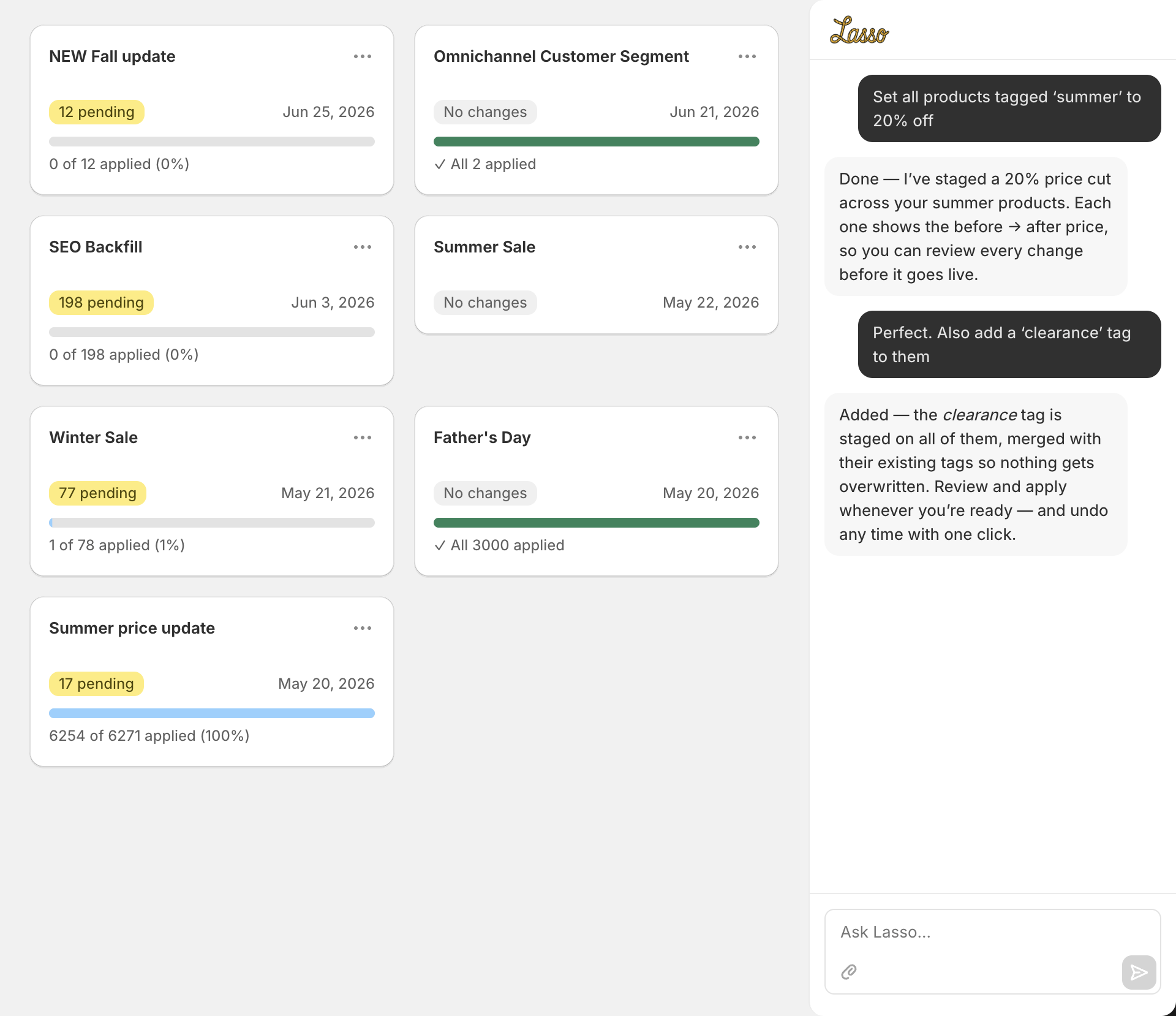
Group related edits into named projects. Run multiple in-flight batches at once — a Holiday Sale project alongside a Vendor Rename project alongside a Clearance Cleanup. Each has its own diff, schedule, and undo path.
Per-row apply report
After every apply you see exactly which rows succeeded, which failed, and why. Failed rows stage back into the project for one-click retry. No more "the job said it ran but only 11 of 29 actually updated."
Scheduled apply (DST-aware)
Stage a sale today, set it to fire 8 AM Friday in your store timezone, walk away. Lasso handles daylight-saving conversions correctly so the time you set is the time it runs — no off-by-an-hour surprises.
Backups & one-click restore
Beyond per-apply undo: take a full point-in-time backup of your store — products, collections, customers (and orders for large stores) — before a risky change, and restore from it later. Lasso also encourages a pre-apply backup automatically on big jobs.
Live Shopify data, every load
Lasso queries Shopify on demand on every page load — there is no local mirror of your catalog that can drift from your live store. The product, collection, customer, and order lists you see are always the current Shopify state.
AI content, at catalog scale
Generate the copy and metadata you never have time for — across thousands of products, filling only what's missing, every suggestion staged for review.
SEO, alt text & categories — written for you
Generate meta titles and descriptions, AI-vision image alt text, and map products to the Shopify Standard Product Taxonomy — across the whole catalog, filling only what's missing. Every suggestion is staged for review before it ships.
Alt-text autopilot (accessibility)
Keep every product image described for screen readers — automatically. Set it once and Lasso writes AI-vision alt text the moment you add a new image to any product, even existing ones. Accessibility (and image SEO) that maintains itself as your catalog grows.
Find & fix low-quality alt text
Not just missing alt — Lasso flags the useless kind (a filename like "IMG_4821.jpg", a one-word label, or a generic "image of a product") and rewrites just those with AI vision, leaving your good descriptions untouched. Surgical cleanup for accessibility and SEO.
Product translation
Translate titles, descriptions, and SEO fields into any language your store supports — natural wording, staged side-by-side with the originals for review, registered to the right storefront on apply. Originals are never touched.
Whole-catalog jobs, emailed when done
Big jobs — SEO fields, image alt text, category mapping, spec extraction, translations — run as background jobs. Keep working or close the tab; Lasso emails you when every draft is staged in a project for review.
Import & export — fast, and Matrixify-compatible
Bring data in from any spreadsheet, and get it back out in seconds — including the Google Merchant feed fields most editors ignore.
Smart spreadsheet imports
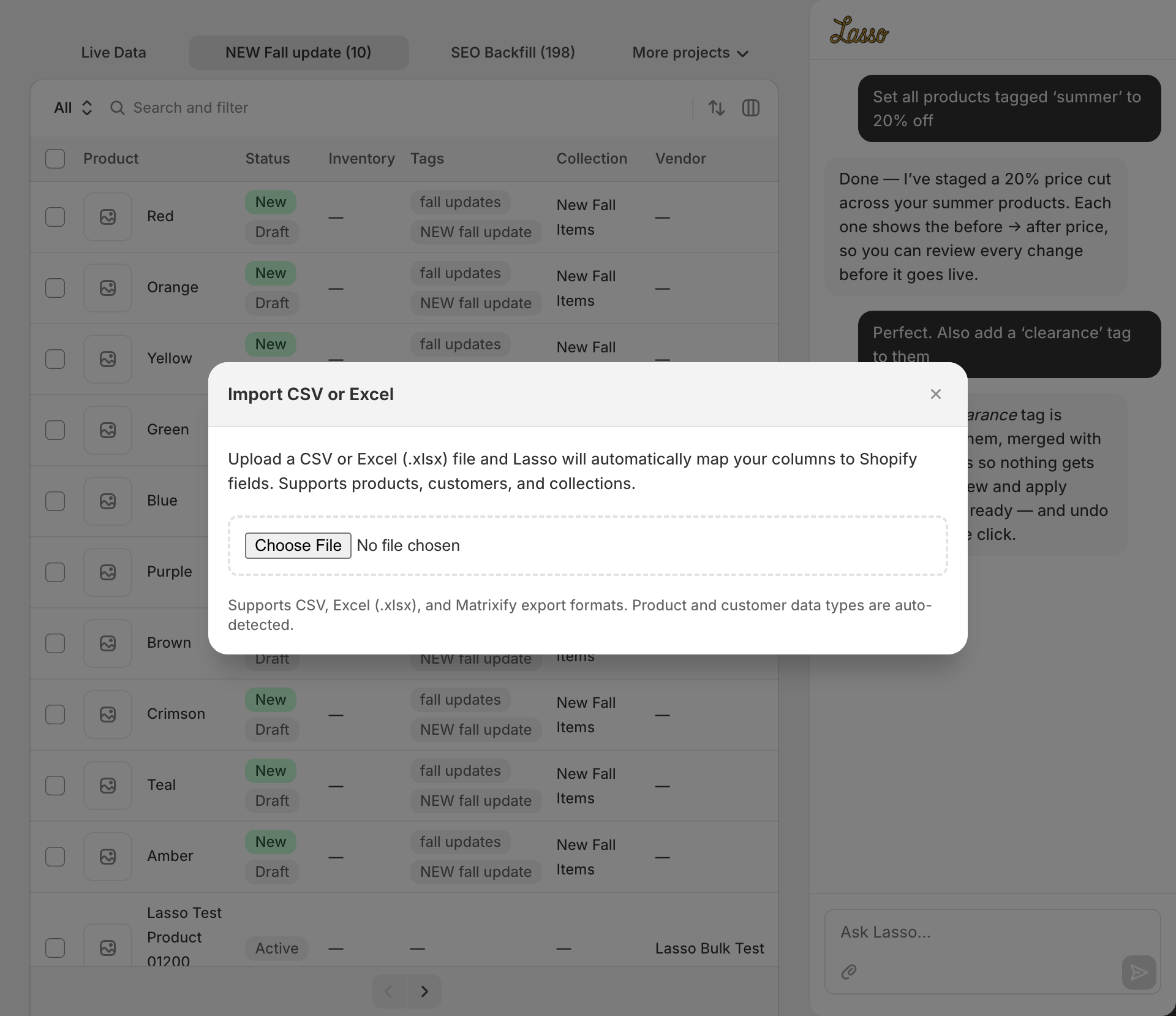
Upload CSV or Excel (.xlsx) files — including Matrixify-format exports. Lasso auto-maps your columns to Shopify fields — even when headers are non-standard or non-English — and shows you what will change before staging.
Invalid-data fix-it flow
When your CSV has bad phone numbers or invalid emails, a banner shows what's wrong. A Fix Now grid lets you correct inline, or skip the invalid rows and import the rest.
Bulk image import by URL
Add product images in bulk straight from a list of URLs or a supplier sheet — Shopify fetches each one server-side. Preview which products get which images, apply, and undo removes exactly what it added.
Exports at any size — in seconds
Products, orders, customers, collections, and inventory to CSV or Excel. Exports STREAM: your download starts in about a second and 3,000 products finish in under a minute — no background job to queue behind, no waiting hours. Filter to exactly the set you want, include payment method on order exports, and save an export to re-run later.
Google Shopping & Merchant Center export
Export your catalog with the Google Merchant Center feed fields included — product category, condition, age group, gender, MPN, and all five custom labels — ready to drop into Google Shopping, Pinterest, and other channels. Pulls from your native product taxonomy when the legacy fields aren't set, so it works on modern stores too.
Automate the busywork
Set standing rules and reusable recipes so the catalog keeps itself tidy without you re-running anything.
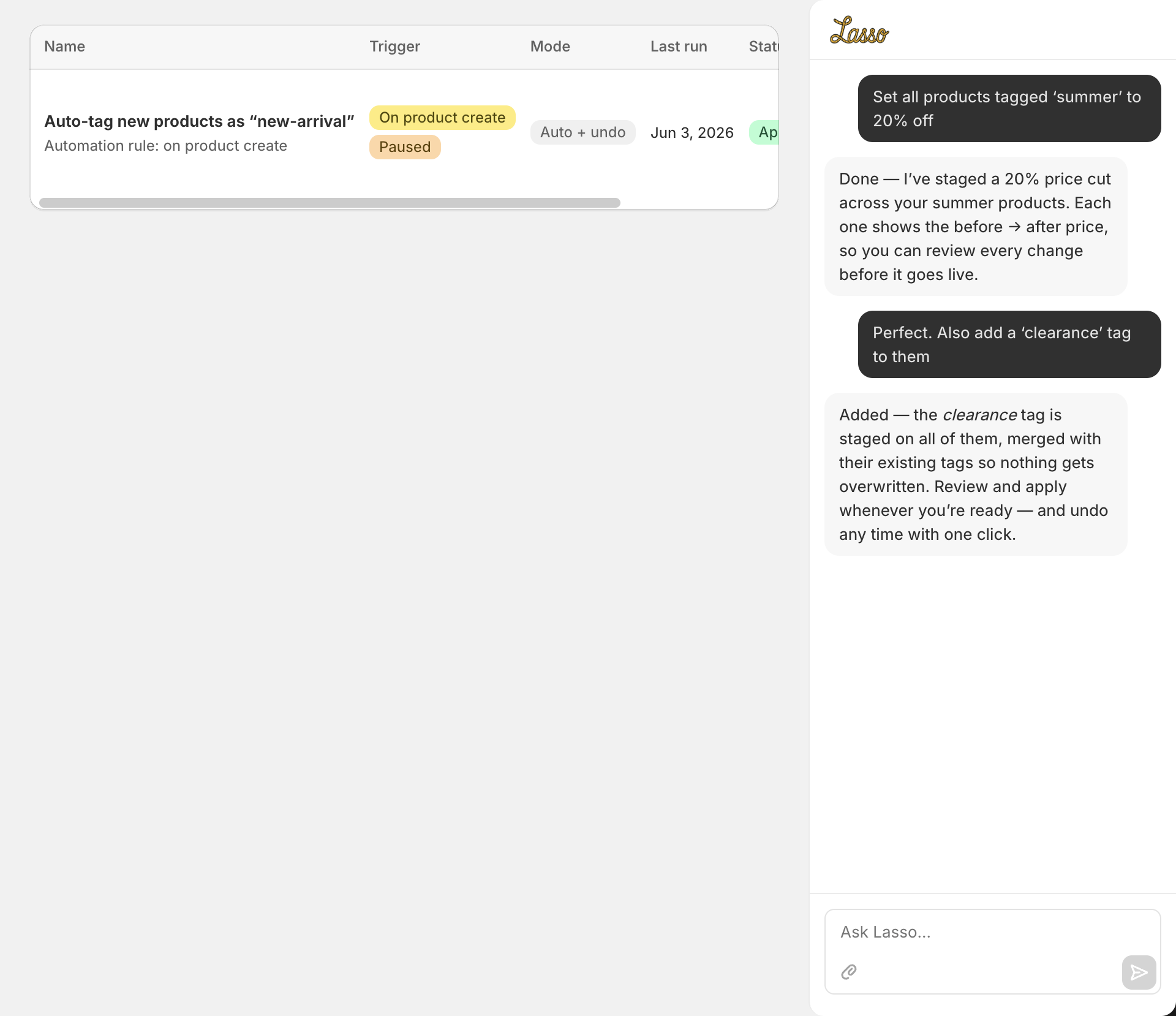
Automations that run themselves
Set standing rules — "whenever I add a product, tag it new-arrival" or "auto-generate its SEO, alt text, and category." New products stay tidy without you re-running anything. Rules have a daily safety cap and can stage for review or auto-apply with undo.
Reusable recipes & saved exports
Save a bulk operation as a recipe and re-run it any time — it re-resolves the scope live, so "tag:sale" picks up newly-matching products. Schedule recipes on a cadence, and save complex exports with their filters to download again with one line.
Catalog operations Shopify can't do natively
The long tail of store-keeping that the native admin leaves you to do by hand — handled in one pass.
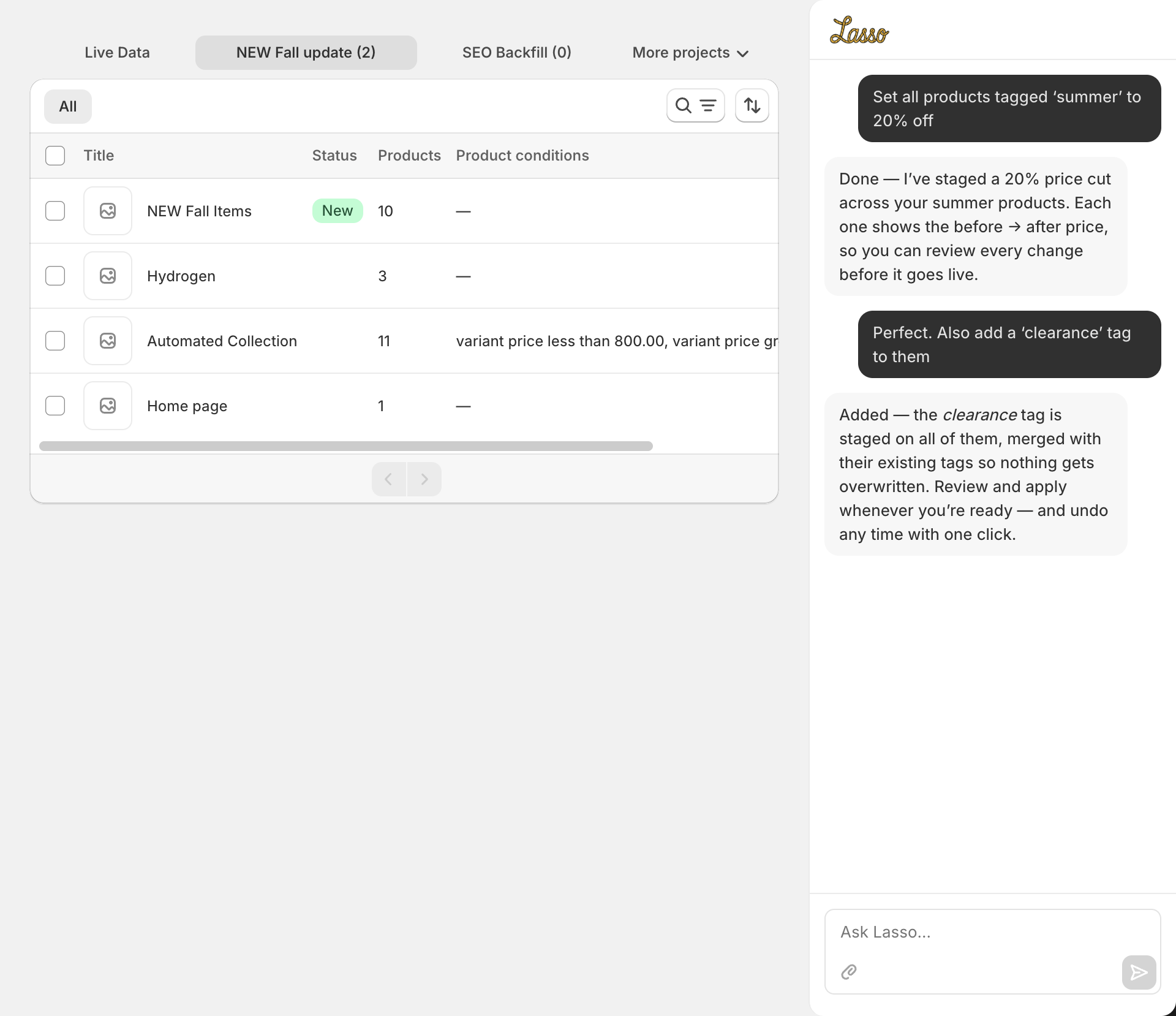
Reorder & pin collections
Sort any collection by inventory, price, or title — options Shopify's native sort doesn't offer — pin hero products to the top, or move a whole tag to the top of every collection it appears in, in one pass. Smart collections get a non-destructive snapshot to reorder.
Find omnichannel customers
Find customers who bought BOTH in store (POS) and online within a time window, and tag them as a reusable segment — something Shopify's customer search can't filter for. Perfect for loyalty outreach and channel analysis.
Find & clean up orphaned images
Surface media uploaded to your store that isn't attached to any product — the hidden clutter that bloats your files. Lasso lists every orphaned image so you can review and clear it out, recovering storage the native admin gives you no easy way to find.
Try Lasso on your store
Free to install. Stage, preview, and apply your first batch in minutes — undo any apply with one click if anything is off.
Install on Shopify